The fastest way to recolor your PuTTY terminal
Tired of the bland default PuTTY colors? PuttyColors plugs straight into the
Windows registry and lets you preview, switch and fine-tune your terminal's
look - fonts included - in just a few clicks. No manual .reg hacking, ever.
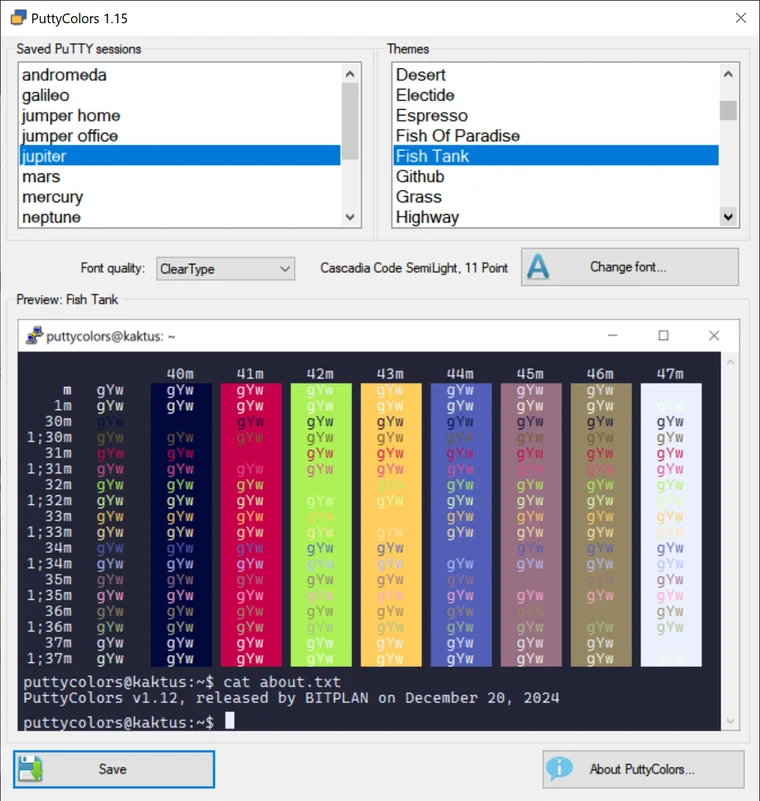
Everything you need to make PuTTY yours
PuttyColors integrates seamlessly with PuTTY, turning a fiddly registry edit into an effortless, visual experience - perfect whether you tweak terminals daily or just want something nicer to look at.
100+ embedded color schemes
From Solarized and Nord to Monokai and Dracula - a curated library of over 100 themes is built right into the app, ready to apply with zero downloads.
Real-time preview
See exactly how a scheme will look before you commit. Browse, compare and pick the palette that suits your eyes and your workflow.
Font customization
Tune typeface, size and weight alongside your colors, so the whole terminal - not just the palette - finally feels like home.
One-click switching
Apply a complete theme - 16 ANSI colors, background, cursor and all - to any PuTTY session in a single click. No more hand-editing the registry.
Built for PuTTY
Reads and writes PuTTY's own session settings directly, so there's nothing extra to install, configure or keep in sync.
Regular updates
New schemes, refinements and fixes ship regularly - and registered users with a valid update subscription get them all for free.
100+ palettes, ready to apply
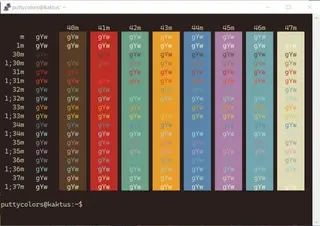
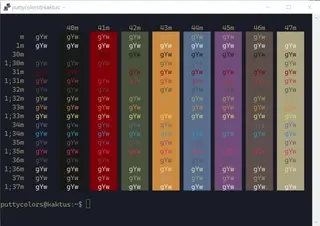
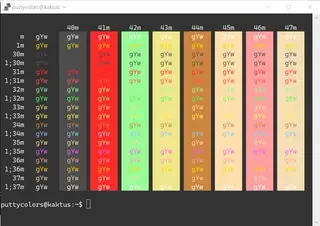
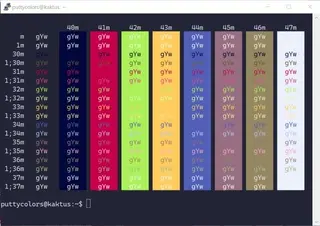
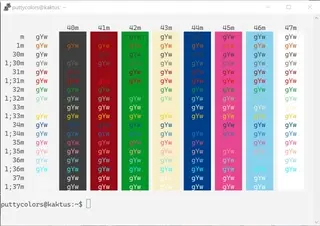
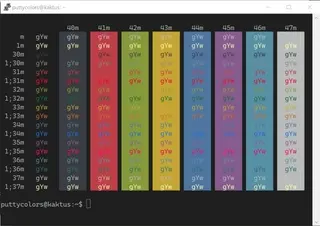
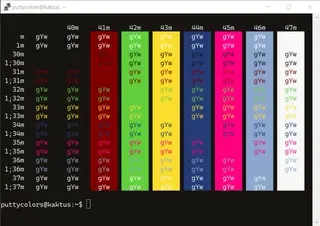
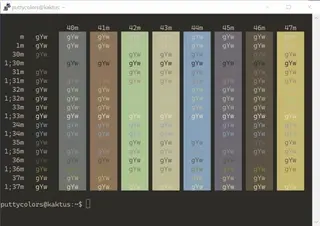
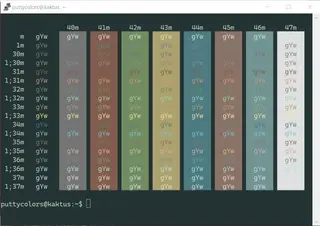
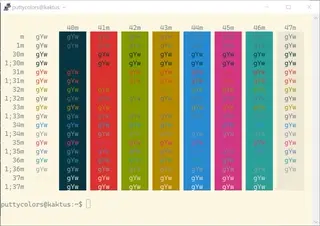
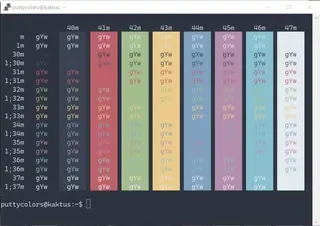
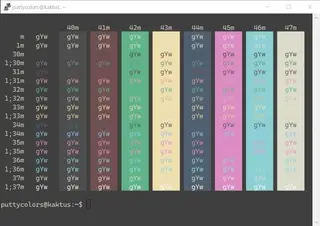
A small taste of what ships inside PuttyColors - preview a selection of them in our gallery, click any card to see it full-size, then grab the app to explore the complete library and apply any of them for real.
Get PuttyColors 1.31
Free to try in demo mode - explore every screen and every scheme. Registration simply unlocks saving your choices back into PuTTY.
Portable version
Unzip and run - nothing is written outside the folder until you choose to apply a scheme.
Download PortableSetup version
Guided installer that adds PuttyColors to your Start menu and keeps it easy to update.
Download SetupAbout the demo mode
The unregistered version runs in full demonstration mode - browse every scheme and every setting freely. The only thing it won't do is save your changes back into PuTTY. Once you register, that's unlocked instantly with your personal serial number. Thank you for trying PuttyColors!
Buy a single-user license
One-time payment via PayPal - your serial number is emailed to your PayPal address right after checkout, unlocking the full, save-enabled version of PuttyColors.
Standard license
50 PLN (~ 12 USD, charged in PLN)
- Save your color themes directly to PuTTY
- Use on up to 3 of your own computers
- Full, save-enabled version unlocked instantly
- Free updates for 12 months
Lifetime license
100 PLN (~ 24 USD, charged in PLN)
- Save your color themes directly to PuTTY
- Use on up to 3 of your own computers
- Full, save-enabled version unlocked instantly
- Free updates forever - pay once, never again
Secure checkout via PayPal Serial number emailed automatically - usually within minutes Single-user license, unlocked instantly
Licensing, in plain words
Buying PuttyColors gives you a perpetual license for the version you purchased, plus free updates for one year. Choose the lifetime option and every future update is included for free, forever. Need licenses for a team or organisation? Get in touch for a no-obligation volume quote.
Frequently asked questions
Everything people usually want to know before downloading or registering PuttyColors.
What does PuttyColors require to run?
PuttyColors needs an existing installation of PuTTY - it reads and writes PuTTY's own session settings directly, so there's nothing extra to configure or keep in sync.
What are the system requirements?
PuttyColors runs on Windows and requires the .NET 3.5 runtime libraries. Both 32-bit and 64-bit builds are available for download.
How does the unregistered (demo) version work?
The demo version runs in full demonstration mode - every screen, scheme and setting is browsable. The only thing it can't do is save your choices back into PuTTY, so your terminal won't actually change colors until you register.
How do I unlock the saving feature?
Enter your personal serial number - issued the moment you register (purchase) the program - into PuttyColors, and the saving feature (along with the rest of the app) is unlocked immediately.
Where do I get a serial number?
Right here, on PuttyColors.com - registration is handled entirely through the pricing section above via PayPal.
What's the registration process like?
Pick a license, pay securely through PayPal, and your serial number is emailed automatically to the address linked to your PayPal account - usually within minutes, always within two days.
Can I pay another way besides PayPal?
Not at the moment - registration is handled exclusively through PayPal, which keeps the whole payment process secure, fast and standardized for everyone.
I didn't receive my serial number - what now?
If two days pass after payment with no email, just drop us a message or write directly to email us and we'll sort it out promptly.
Can I add my own custom color schemes?
Custom schemes aren't supported directly, but with 100+ embedded palettes - and new ones added in regular updates - there's a wide range to choose from out of the box.
Does PuttyColors get updated?
Yes - regularly. Updates bring refinements, fixes and additional color schemes, and registered users keep receiving them for free for the length of their update subscription.
Get in touch
Questions about a license, a bug to report, or a volume quote to request? Send a message - we read and answer every one personally.
Address
Cieszyn, Poland
Phone
Response time
Usually within 1–2 business days